SVG cut files for Cricut & Silhouette crafters
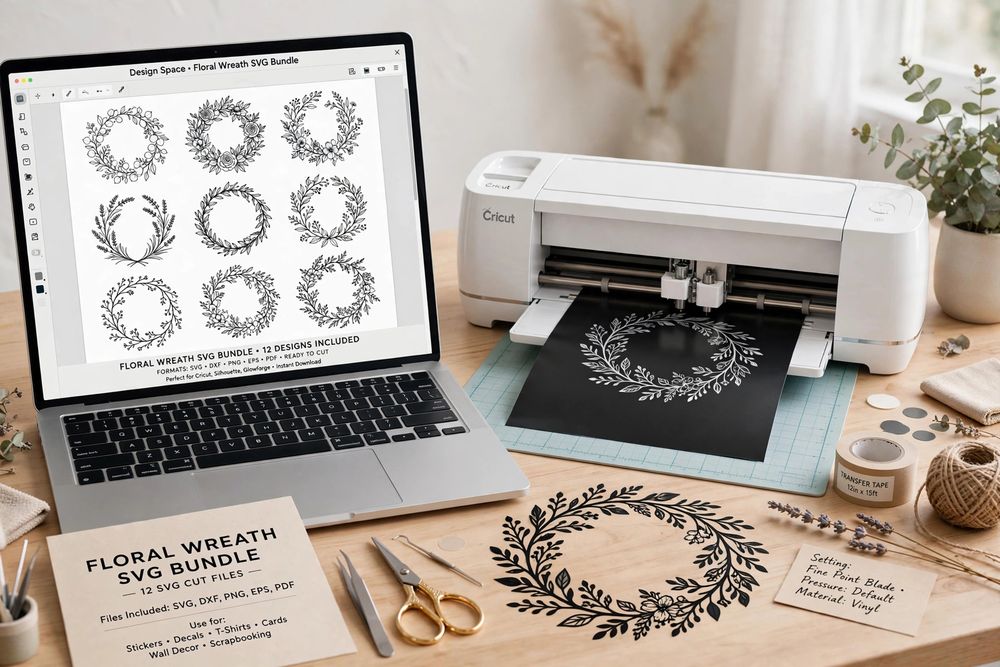
Clean, ready-to-cut SVG design bundles for your Cricut, Silhouette or other cutting machine. Every Spangle Studio bundle is drawn as smooth vector paths — no tracing, no jagged edges, no cleaning up stray nodes — so you can upload to Design Space or Silhouette Studio and cut straight away.
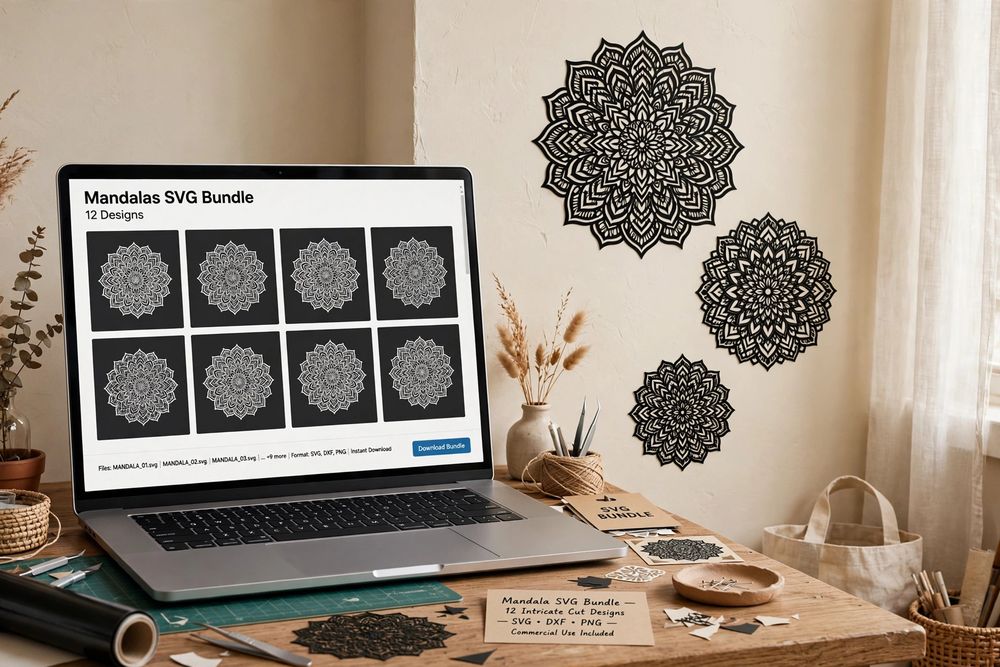
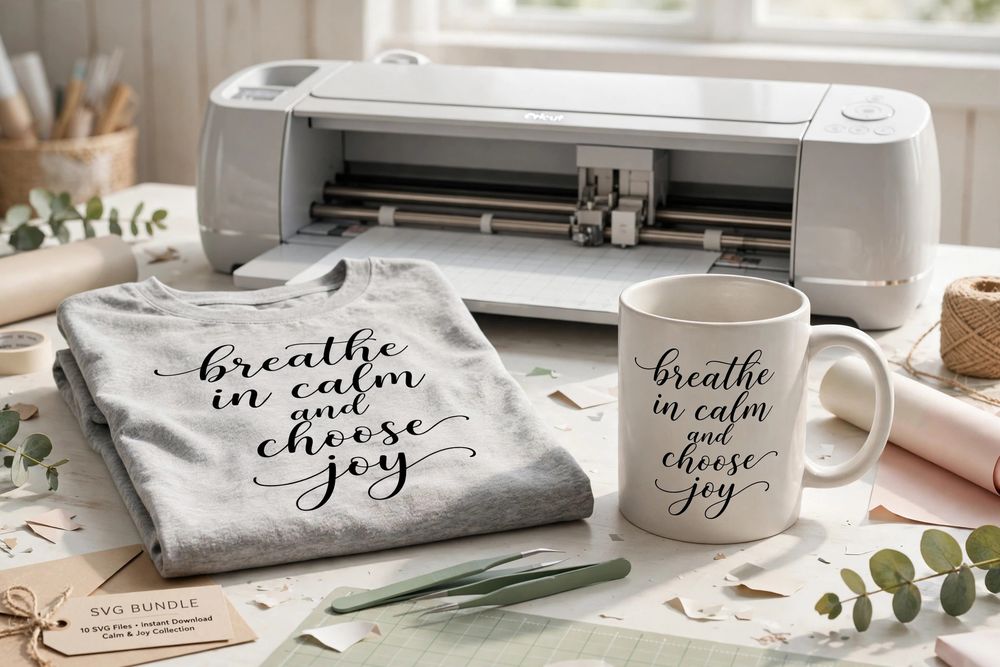
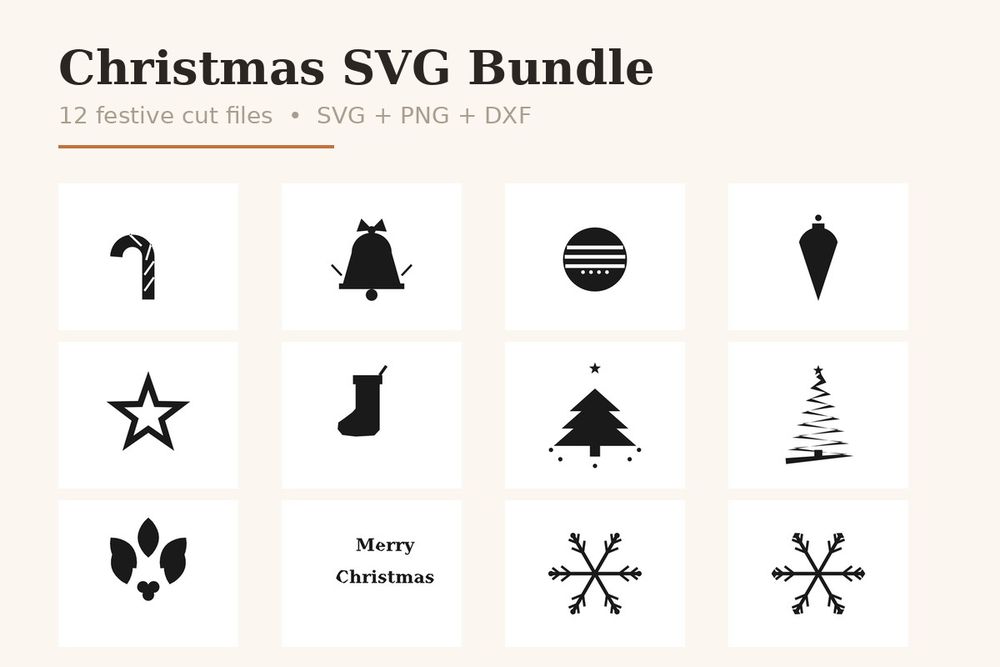
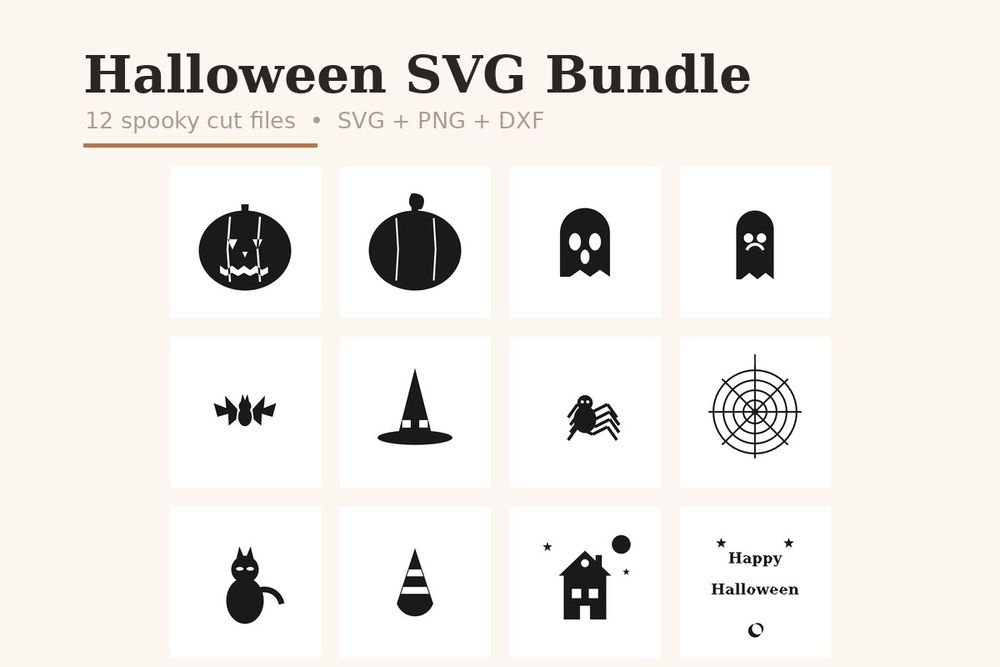
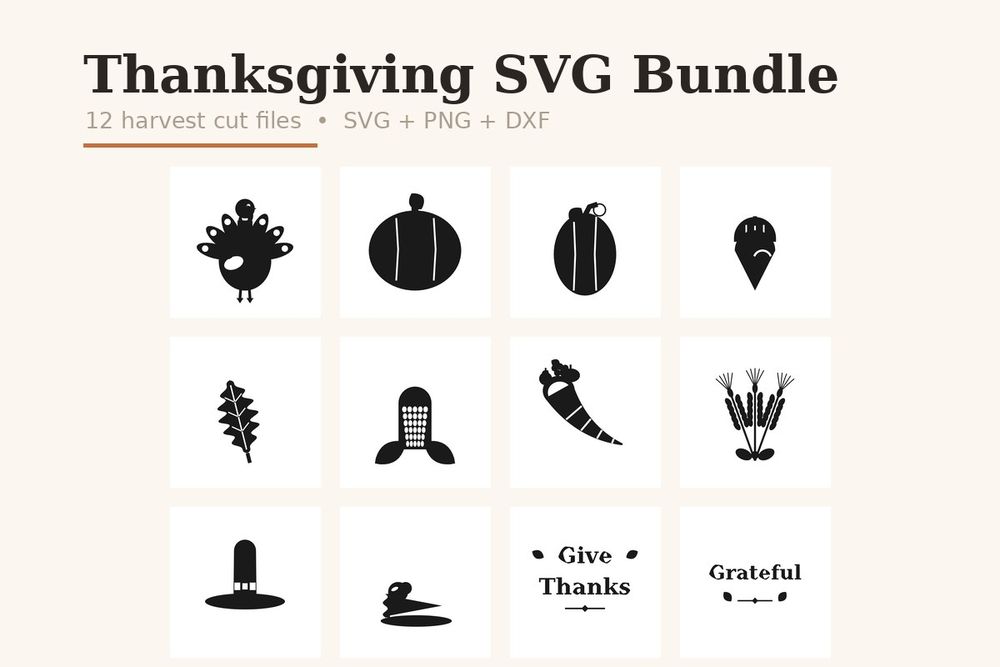
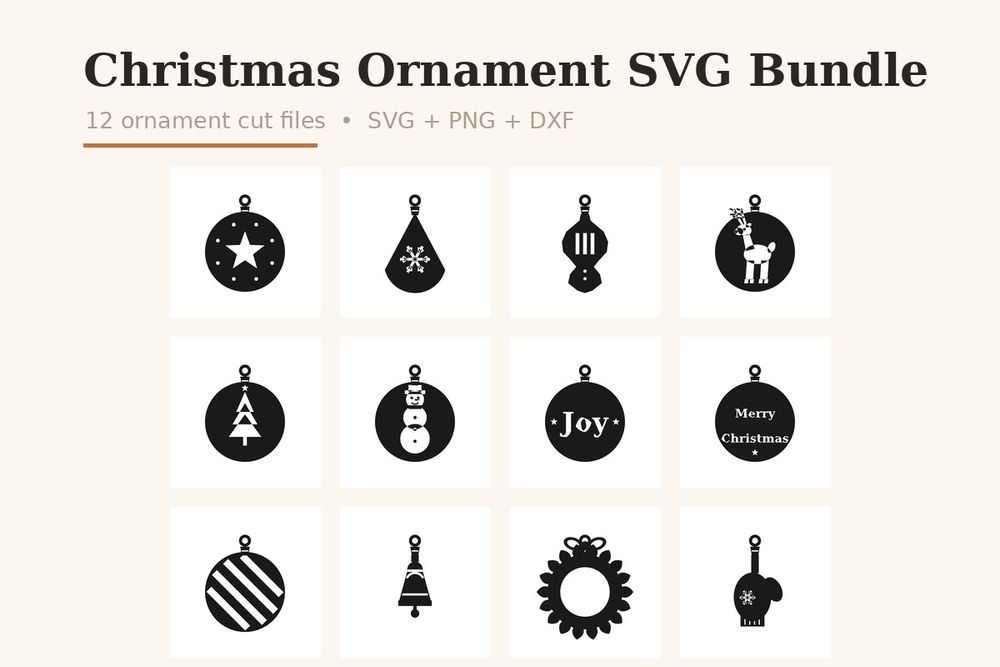
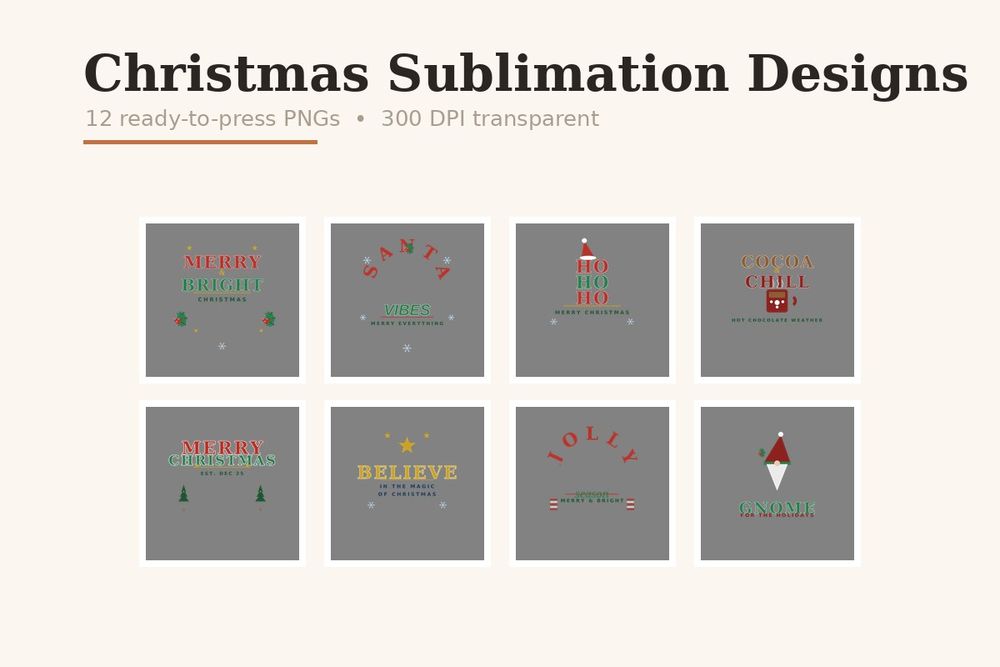
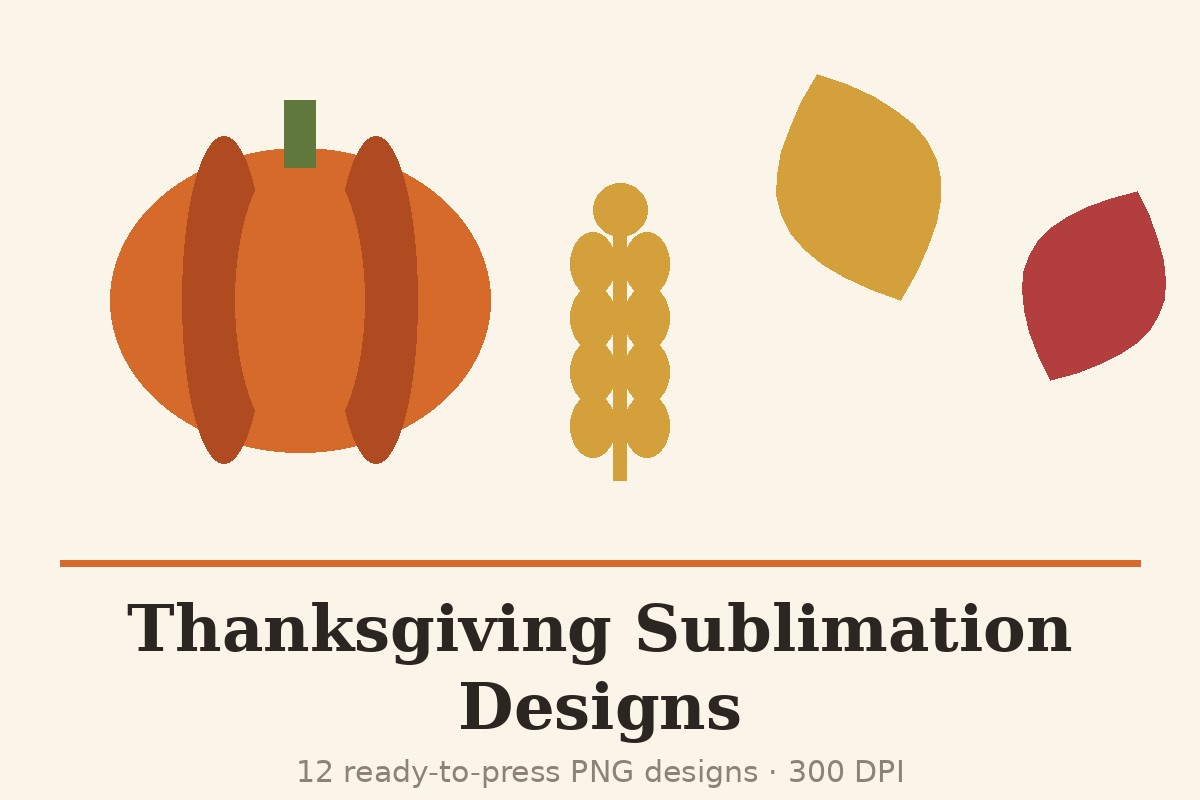
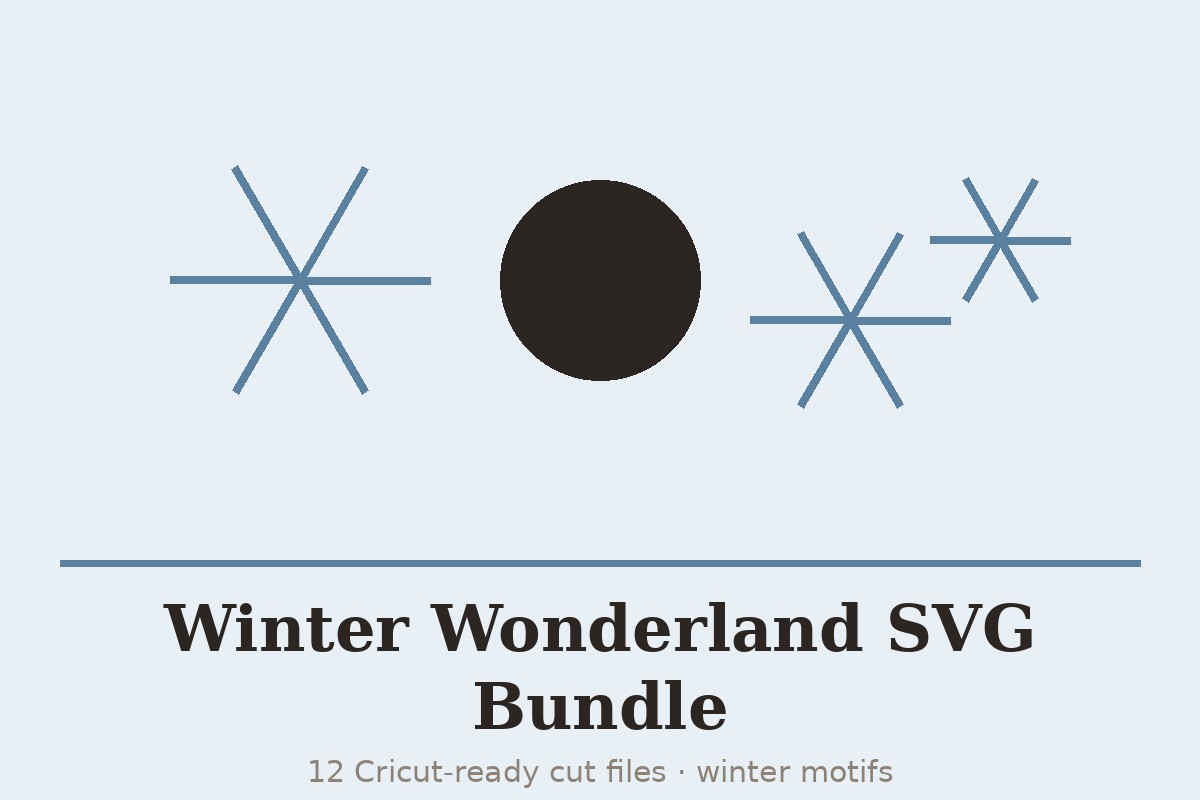
Start with the evergreen collections (floral wreaths, mandalas, inspirational quotes) for year-round projects, then build your seasonal range with the Christmas, Halloween, Thanksgiving and cozy winter bundles, Christmas ornament SVGs and sublimation designs. SVG bundles include a commercial licence for physical end products (up to 200 units) — see each product page for details.
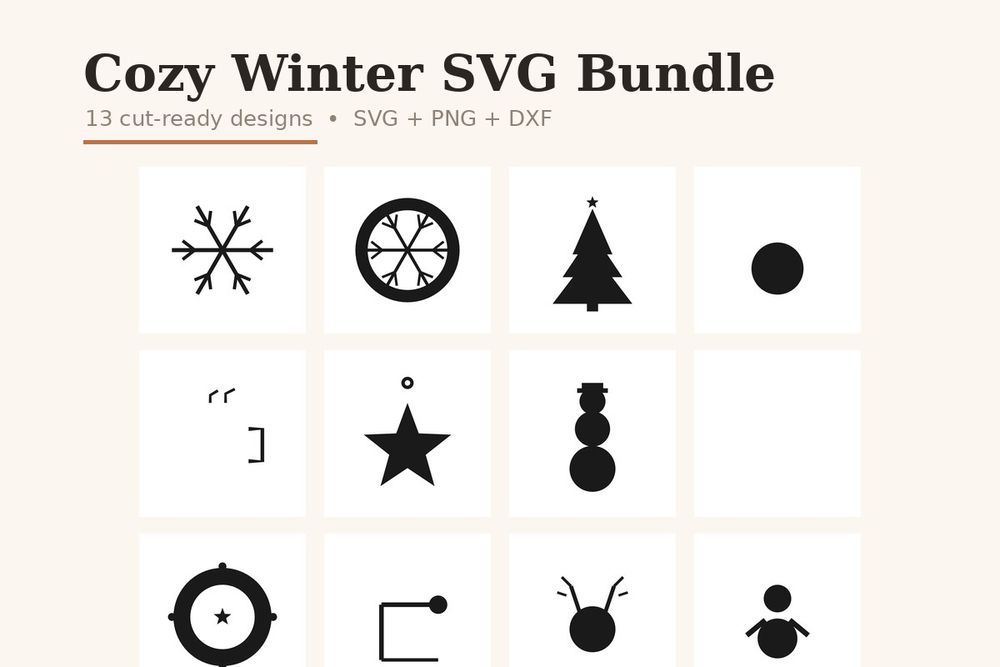

Getting a perfect cut, every time
Upload and size. SVG files scale without losing quality — size the design to your blank first, then let the software calculate the cut. Intricate designs like mandalas cut cleanest at 4 inches and above.
Test-cut small. One small test cut on scrap vinyl saves a full sheet when you're dialling in pressure for a new material. Mirror the design before cutting heat-transfer vinyl.
Sell what you make. The included commercial licence covers physical products — shirts, mugs, signs, decals — up to 200 units per design. The digital files themselves may not be resold or shared.
Frequently asked questions
Which machines do the SVG files work with?
Any machine or software that opens SVG: Cricut Design Space, Silhouette Studio (Designer Edition and above), Brother ScanNCut and laser cutters such as Glowforge.
What file types are included?
SVG is the primary format for cutting; bundles are delivered as a ZIP from Gumroad right after checkout. Check each product page for the exact formats in that bundle.
Can I sell products I make with these SVGs?
Yes — physical end products up to 200 units are covered by the included commercial licence. Reselling, sharing or giving away the digital files is not permitted.
How do I receive the files?
Instantly. After secure checkout on Gumroad your download link appears on screen and by email — download, unzip, and upload to your cutting software.